VEO 3 AI Video Generation Workflow for n8n – AI Video Automation JSON Template
Automate AI Video Creation with n8n
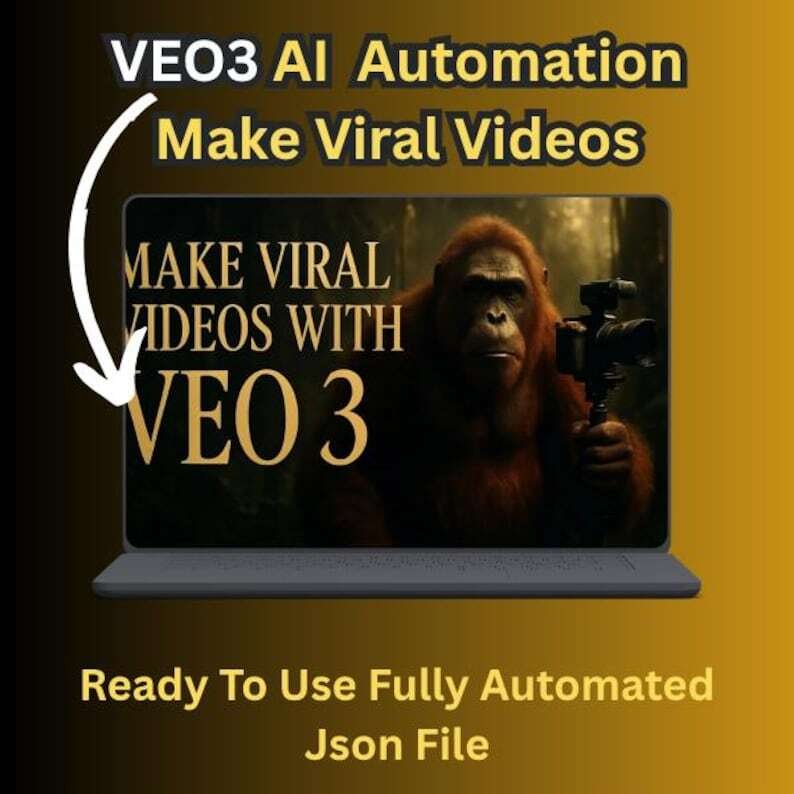
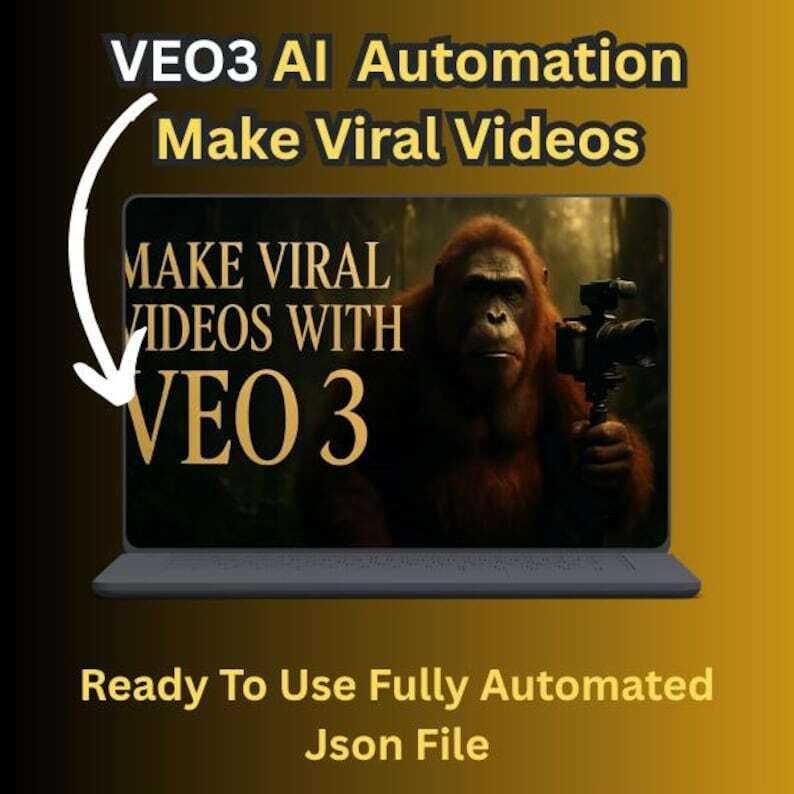
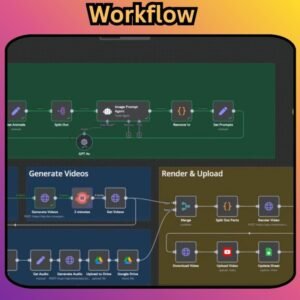
Transform your AI video production workflow with this VEO 3 AI Video Generation Workflow for n8n — a ready-to-use JSON automation template designed to streamline the process from creative input and prompt generation to AI video creation and output tracking.
Built for creators, marketers, entrepreneurs, and automation enthusiasts, this workflow uses n8n automation, AI agents, VEO 3, and Google Sheets to create a structured video-generation pipeline without requiring you to build the entire workflow from scratch.
Create detailed video prompts, generate AI videos, track your outputs, and build a repeatable AI video production system inside n8n.
Key Features
AI-Powered Video Prompt Generation
The integrated AI Agent helps transform your creative ideas and inputs into structured prompts designed for AI video generation.
Use detailed inputs or let the workflow generate a concept from a simple theme.
Manual Mode
Provide detailed creative instructions such as:
- Scene details
- Visual style
- Mood and atmosphere
- Camera direction
- Audio preferences
- Voiceover requirements
- Other creative parameters
This mode gives you greater control over the final prompt.
Auto Theme Mode
Want to generate content faster?
Use Auto Theme Mode to provide a general theme and let the AI-assisted workflow help generate the creative prompt.
VEO 3 API Automation
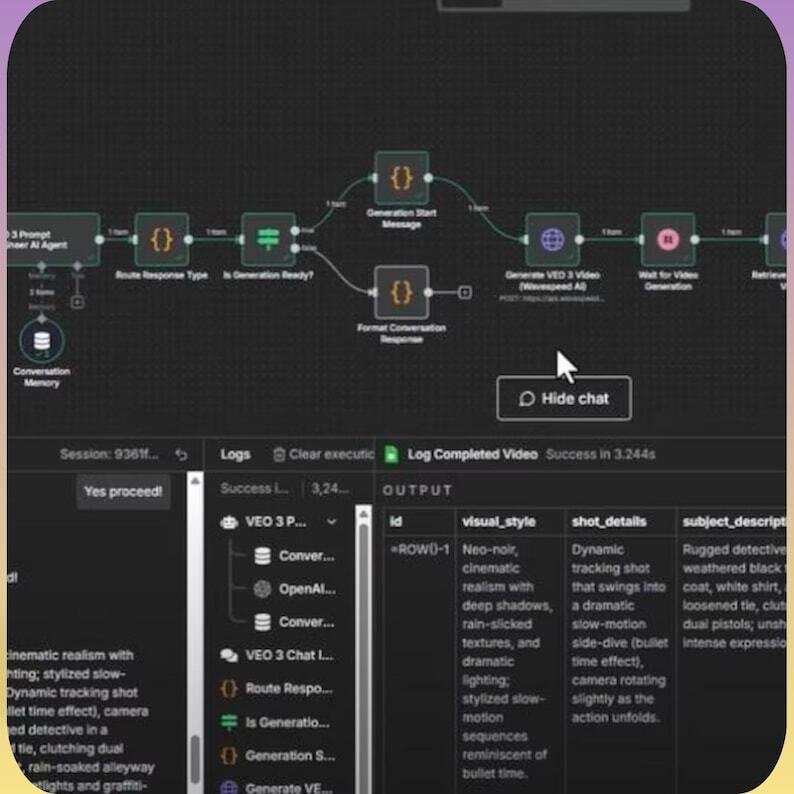
The workflow is designed to automate communication with the VEO 3 API, helping streamline the process of sending prompts and retrieving generated video results.
WaveSpeed AI Integration
The workflow also supports the specified WaveSpeed AI integration for AI video generation, depending on the required API configuration and current service availability.
Google Sheets Logging
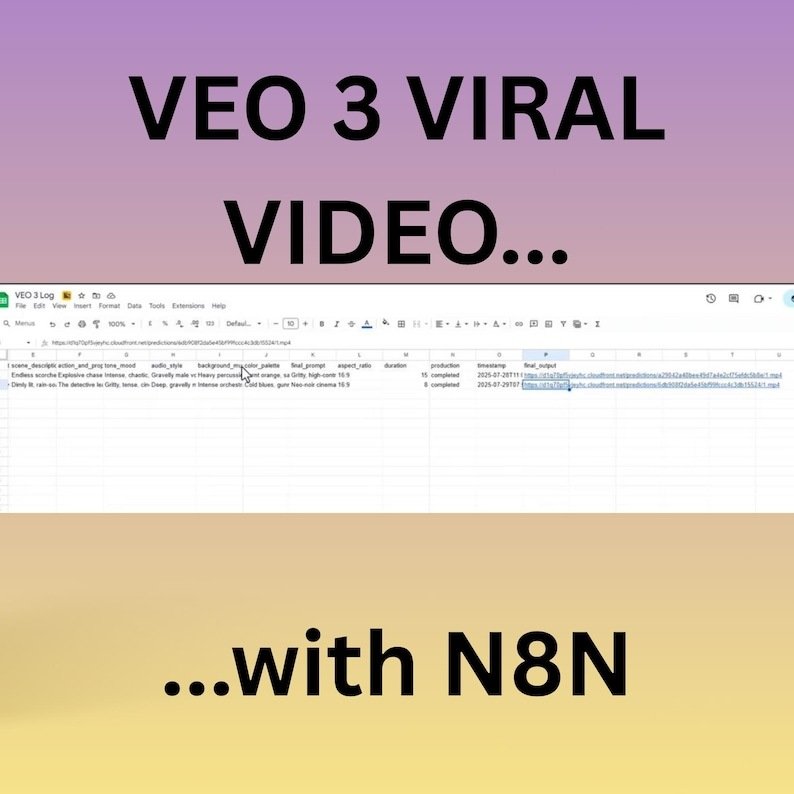
Automatically record video outputs and creative information in Google Sheets, making it easier to keep track of generated content.
Potential information to log includes:
- Video details
- Creative prompts
- Themes
- Output URLs
- Generation information
- Other workflow data
No-Code / Low-Code Workflow
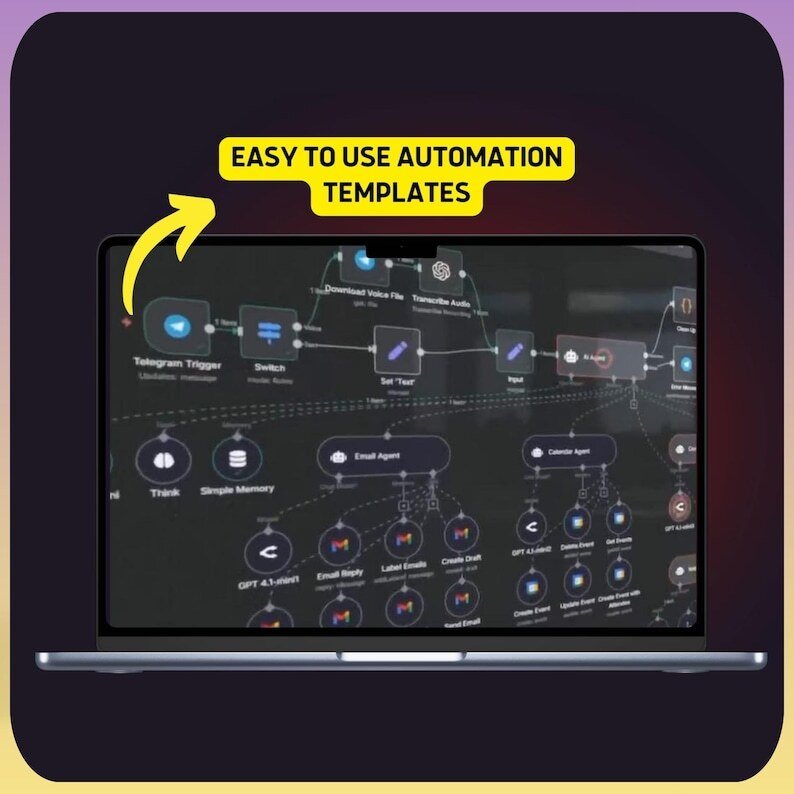
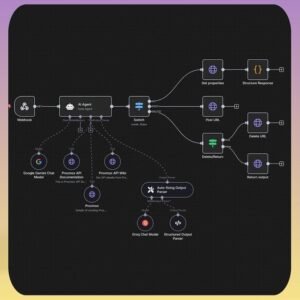
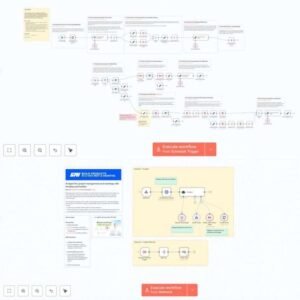
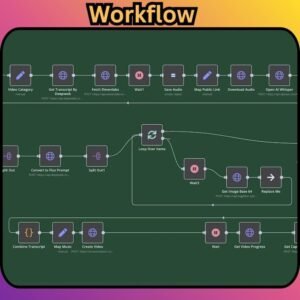
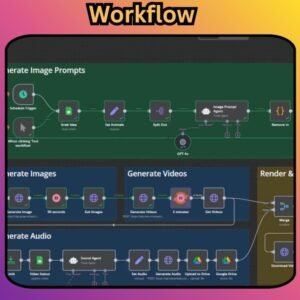
The workflow is built in n8n, allowing you to visually inspect, customize, and connect automation steps without manually coding an entire video-generation system.
Some technical configuration, API credentials, and integration setup are still required.
What You Will Receive
1 × n8n Workflow JSON Template
The package includes the JSON workflow file required to import the automation into your n8n environment.
You also receive a Step-by-Step Import & Setup Guide covering the configuration process.
Perfect For
This VEO 3 AI Video Generation Workflow is ideal for:
- AI video creators
- Digital content creators
- Social media marketers
- Short-form video creators
- Digital marketers
- Entrepreneurs
- Automation enthusiasts
- AI automation builders
- Agencies
- Content production teams
- n8n users
Build an Automated AI Video Pipeline
Instead of manually moving between different tools for every video, this workflow can help organize the process into a repeatable automation:
Creative Input → AI Prompt Generation → VEO 3 API → Video Output → Google Sheets Logging
This makes it easier to experiment with AI video production while maintaining an organized workflow.
Step-by-Step Setup Guide
1. Prerequisites
Before using the workflow, you will need:
- An active n8n account — Cloud or Self-Hosted
- A VEO 3 API-enabled account and API key
- WaveSpeed AI access if required by the workflow
- Google Sheets API credentials
- The provided n8n JSON workflow file
Third-party accounts, API access, and usage fees are not included with this digital product.
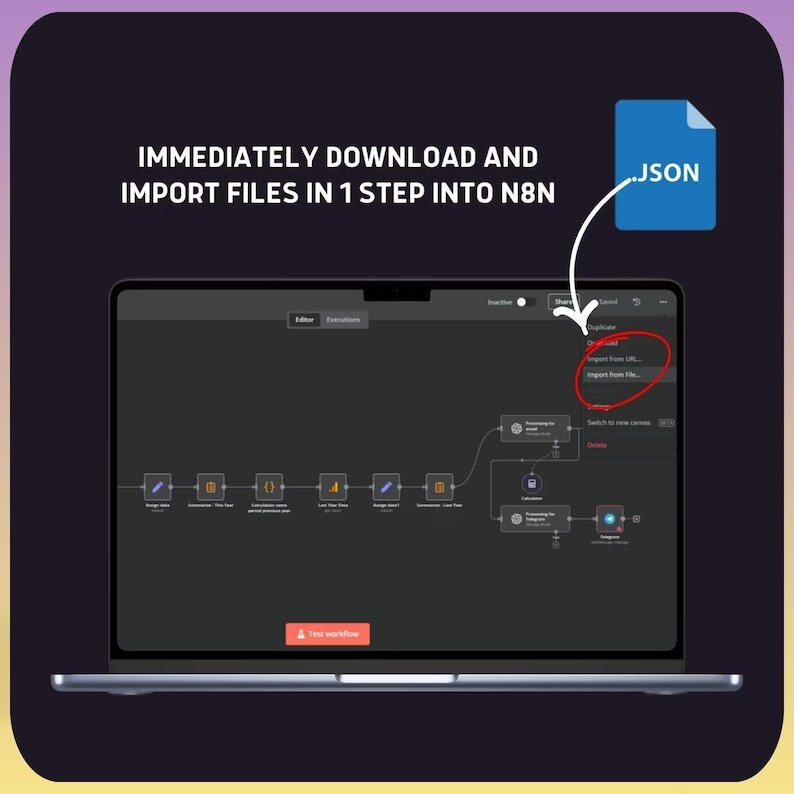
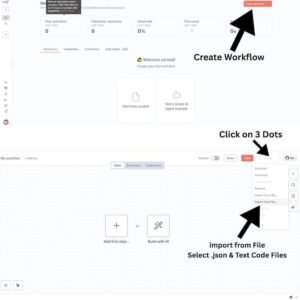
2. Import the Workflow
Log in to your n8n dashboard.
Navigate to your workflow management area and use the Import Workflow option.
Upload the provided VEO 3 JSON workflow file and save the imported workflow.
3. Configure Your Credentials
Open the credentials section in n8n and configure the required connections.
Depending on the workflow configuration, this may include:
- VEO API authentication
- WaveSpeed AI authentication
- Google Sheets OAuth2 credentials
- Google Sheets Service Account credentials
Connect the appropriate credentials to their corresponding nodes.
4. Customize the Workflow
Configure the creative inputs according to your content requirements.
Manual Mode
Define your preferred:
- Scene
- Visual style
- Mood
- Audio
- Voiceover
- Creative direction
Auto Theme Mode
Provide a general topic or concept and allow the AI-assisted workflow to help generate the required prompt.
5. Run the Workflow
Once the required credentials and settings are configured:
- Execute the workflow in n8n.
- The AI Agent processes your creative input.
- The workflow sends the generated prompt to the configured video-generation API.
- The generated video result is retrieved.
- Relevant output information is logged in Google Sheets.
- Access the resulting video through the provided output URL.
6. Optional Customizations
You can further expand the workflow by adding additional n8n nodes and integrations.
For example:
- Email notifications
- Slack notifications
- Additional Google Sheets fields
- Webhooks
- Scheduled generation
- Cron triggers
- Additional storage
- Content management systems
- Automated publishing workflows
Why Use an n8n AI Video Workflow?
Save Time
Automate repetitive steps in your AI video production process instead of handling every stage manually.
Create More Consistently
Build a repeatable workflow for generating video content around different themes and creative concepts.
Centralize Your Process
Connect AI video generation, prompt creation, and output tracking into one visual automation workflow.
Customize Your System
Because the workflow is built in n8n, you can modify the nodes and logic to fit your specific requirements.
Digital Product
This is a digital n8n workflow template. No physical product will be shipped.
You receive the JSON workflow and setup documentation digitally.
Important Information
- n8n is a separate third-party automation platform.
- VEO 3 and WaveSpeed AI are third-party services.
- API keys, accounts, subscriptions, and usage fees are not included.
- Google Sheets API credentials must be configured by the buyer.
- The workflow may require customization depending on your n8n version and third-party API configuration.
- Third-party APIs and services may change their pricing, availability, authentication methods, or technical requirements.
- AI-generated video results depend on the configured models, prompts, APIs, and generation settings.
- Technical knowledge is not required to understand the basic workflow, but some setup and API configuration are necessary.
- No guarantee is made regarding the exact output, generation speed, API availability, or cost of third-party services.
Support
If you experience issues accessing the digital files or following the included setup instructions, contact the seller through the available support channel.
SEO Keywords
VEO 3 AI Video Generation Workflow, VEO 3 n8n Workflow, VEO 3 Automation, VEO 3 AI Video Automation, n8n AI Video Workflow, n8n Video Generation Workflow, AI Video Generation Workflow, n8n JSON Template, n8n AI Automation, AI Video Automation, VEO 3 API Workflow, VEO 3 API Automation, WaveSpeed AI Workflow, WaveSpeed AI Automation, n8n AI Agent, AI Video Creation Automation, Automated Video Generation, AI Video Content Creation, AI Video Generator Workflow, n8n Automation Template, n8n Workflow Template, n8n JSON Workflow, AI Productivity Workflow, No-Code AI Automation, Low-Code AI Automation, AI Content Automation, Video Content Automation, Short Form Video Automation, AI Video Creator Tools, AI Marketing Automation, Google Sheets Automation, AI Agent Workflow, n8n for Creators, n8n for Marketers, n8n for Entrepreneurs, AI Automation for Business.






























 No products in the cart.
Avis
Il n’y a pas encore d’avis.